Key takeaways
AI-assisted labor forecasting can help managers use demand data to inform staffing decisions while keeping people involved in schedule review and decision-making.
AI is an assistant, not a decision-maker. Managers remain responsible for reviewing scheduling decisions and applying their judgment.
Labor forecasts can draw on relevant historical and business demand data to help inform staffing decisions.
Better forecasting can help hospitality teams manage labor costs and support compliance workflows.
Balancing staffing with labor costs, real-time demand, and last-minute shift changes is hard work in hospitality.
You need enough people on each shift to meet demand, but not so many that your labor costs climb. Add compliance rules and surprise no-shows, and accurate forecasting can feel almost impossible.
That's why more hospitality operators are turning to AI labor forecasting, which can help managers use demand insights to inform staffing decisions.
Below, you'll see how AI-assisted forecasting works, what it gets right, where your judgment still matters, and how to get started.
How AI-assisted labor forecasting helps you staff each shift
AI-assisted labor forecasting can help managers interpret demand data and use those insights when planning staffing. Managers should review scheduling outputs and apply their own judgment before finalizing a schedule.
Deputy's AI-assisted tools are designed to support managers in scheduling workflows rather than replace human decision-making. Feature availability and functionality may vary by product, region, and configuration.
What data can inform hospitality demand forecasting
Depending on the forecasting tool, available integrations, and configuration, relevant demand signals may include:
Sales and POS history: past revenue by day, hour, and location.
Foot traffic: how many guests you tend to serve at different times.
Seasonality: holidays, school breaks, and busy or quiet stretches.
Weather: conditions that push guests toward or away from your venue.
Local events: games, concerts, and festivals nearby.
Bookings and occupancy: reservations or room data that hint at demand.
How a demand forecast becomes a shift-by-shift schedule
Once demand has been forecast, scheduling tools can help managers use those insights when planning upcoming shifts. Managers can then review the schedule and adjust it based on team needs and real-world context.
This keeps people involved in the workflow: AI-assisted tools can support planning, while managers review outputs and apply their judgment before finalizing schedules.
What AI gets right, and where it still needs your judgment
AI can process large amounts of data in minutes and retire pesky spreadsheets. But not every forecasting method is equal, and your venue still relies on people. Here's what AI does well, and where it needs oversight.

Where AI-assisted forecasting adds the most value in hospitality
Labor forecasting can take up valuable manager time. AI-assisted tools can help reduce manual work so managers can spend more time focused on their teams and operations. It helps most with:
Smarter scheduling support: AI-assisted tools can help managers interpret available demand data and use those insights when planning schedules.
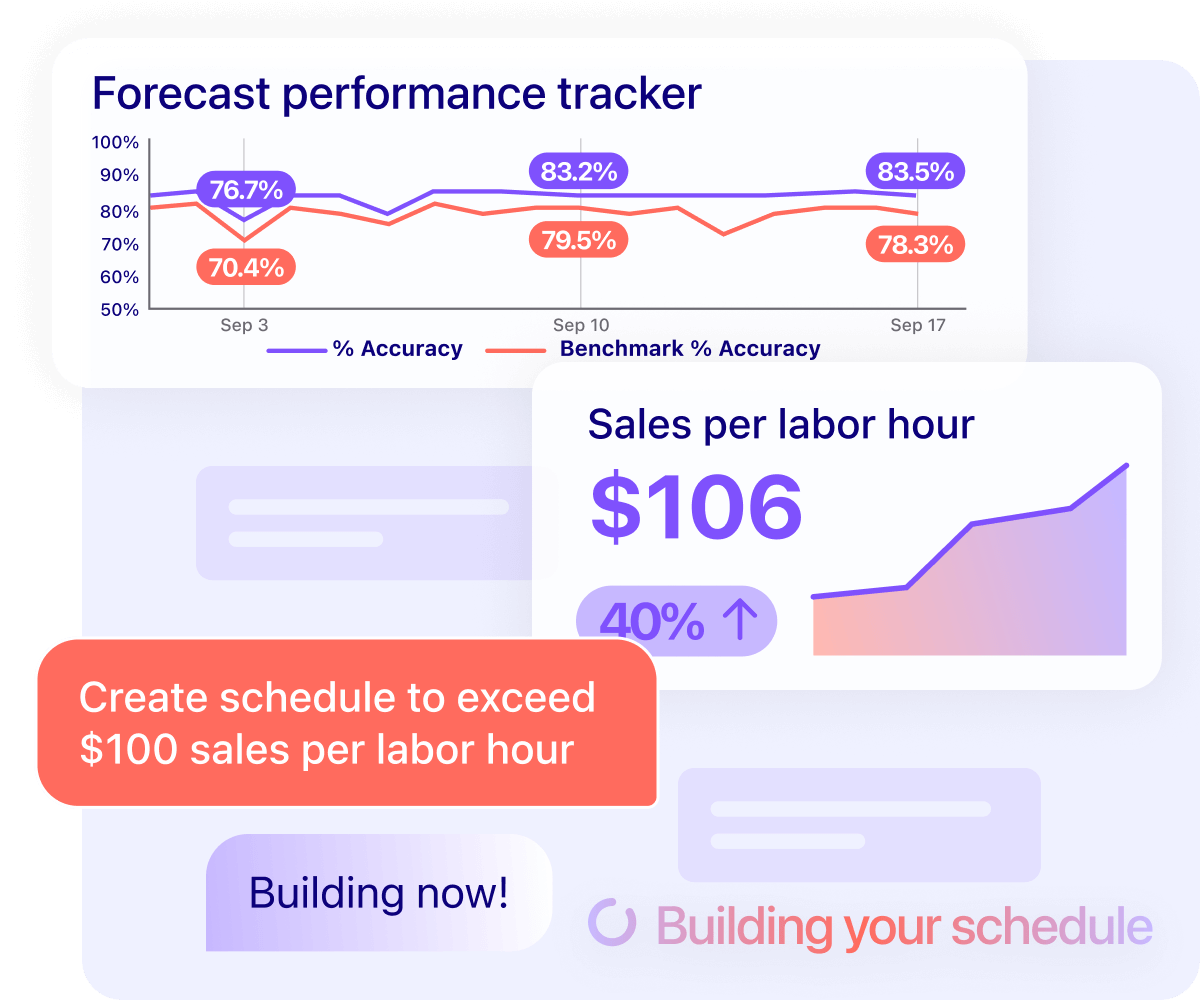
Better labor cost visibility: managers can see projected labor costs against expected revenue, which helps balance shift coverage with sales.
Closer alignment with demand: forecasting can help managers align staffing decisions with anticipated peak and quieter periods, which may help reduce the risk of overstaffing or understaffing.
Where AI still falls short without manager oversight
AI isn't a silver bullet. A forecast is only as good as the data behind it, and it can't fully read the human side of shift work. Keep your people in the loop, because:
If your workforce data is inconsistent or spread across multiple tools, it may affect the usefulness or accuracy of forecasting outputs.
Without appropriate human oversight, errors may go unnoticed and workers may have less confidence in scheduling decisions.
When managers lean too heavily on AI, they can miss the details that keep teams motivated and connected.
General-purpose AI tools may not have access to your live workforce data, integrations, availability, or configured scheduling rules unless those inputs are specifically provided.
AI-generated outputs are assistive and should be reviewed by managers. Feature availability and functionality may vary by product, region, and configuration.
How AI labor forecasting can help manage hospitality labor costs
Labor is one of the largest controllable costs in hospitality, so small forecasting mistakes add up fast across a week of shifts. Hourly teams power the sector, with 80.3 million US workers paid hourly rates in 2024. Aligning staffing more closely with anticipated demand can help hospitality businesses manage labor costs.
The stakes are rising because the industry keeps growing. According to Deputy's US Big Shift Report, US hospitality has grown 12% in total workers since 2022, with bars up 13% and sit-down restaurants up 8% over the same period.
There's a people upside too. Deputy's US Big Shift Report found that hospitality recorded the largest rise in positive shift-worker sentiment across shift-based industries, with a seven percent increase in workers who feel amazing about their work.
The real cost of overstaffing and understaffing
Overstaffing quietly drains your budget through idle hours and overtime creep. Understaffing costs you in a different way, through slower service, lost sales, and burned-out staff who may not stay. When they do leave, SHRM estimates that replacing an employee can cost 50% to 200% of their annual salary.
Forecasting can help managers align staffing more closely with anticipated demand and make more informed labor-cost decisions. Reviewing metrics such as restaurant labor cost percentage can also provide useful visibility into labor costs over time.
People plus AI: the better-together approach to forecasting
AI-assisted forecasting can combine data-driven insights with manager experience and judgment. Pairing AI-assisted drafts with human insight keeps schedules grounded in the knowledge, experience, and empathy your team brings to the floor.
AI lends speed and pattern-spotting, helping managers anticipate periods of higher demand and handle repetitive admin.
Your people bring the empathy and context AI can't replicate, because they know their teams and who fits each shift.
Together, AI-assisted tools and manager oversight can support more informed scheduling decisions and help managers identify potential issues for review.
Deputy helps us with projecting where sales will be and where we should allocate labor to accommodate that. With this operational efficiency, we can use as much of our human intelligence to do things that humans really need to do as opposed to just manual things that software can do.
Ariana Korman, COO, Juice Press
How managers and AI-assisted tools share the work
Think of it as a collaborative workflow. AI-assisted tools can surface information and patterns to support scheduling, while managers review outputs and apply their judgment.
That split gives you the speed of data without giving up the judgment that keeps teams fair and motivated.