Time Tracking Software for Small Business: How to Choose a Time Clock Your Hourly Team Will Actually Use
A stack of paper timesheets sits on your desk, and one has a coffee ring over Wednesday. Your phone shows a text from a barista: "forgot to clock out Sat, left at 9ish." Payroll closes tomorrow.
You want to pay everyone correctly and keep labor costs tight. You don't have time to check every punch against the schedule. And the federal and state record rules still land on you.
Time tracking software for small business records when hourly staff clock in, take breaks, and clock out. It then turns those punches into timesheets you approve and send to payroll. For a shift team, the choice comes down to one distinction: timer vs time clock.
A timer counts hours. A time clock shows you whether those hours match the shift you scheduled. So pick a tool that checks punches against the schedule.
Some employee time tracking software works as a timer for freelancers who bill by the project. Hourly shift work is a different job. The US Bureau of Labor Statistics (BLS) sizes it in its BLS hourly-paid worker data: "In 2024, 80.3 million workers... were paid hourly rates, representing 55.6 percent of all wage and salary workers."
Here's what this software does, what paper costs, which features matter, and how to switch.
What time tracking software does for an hourly team
A time clock app for small business handles the loop from punch to paycheck:
Clock in and clock out from a phone or a shared tablet at the counter
Start and end breaks with a tap
Build timesheets from each punch automatically
Approve hours before anything goes to payroll
Export approved hours to your payroll provider
A timer and a time clock can both do parts of that list. The difference is what each one checks your hours against.
Timer | Time clock for hourly teams | |
|---|---|---|
What it records | Time spent on a task or project | Clock-ins, breaks, and clock-outs for a shift |
What it checks hours against | Nothing, or a project budget | The schedule you published |
Who reviews the hours | The person tracking them | A manager, before payroll |
Where the hours go | Invoices and client reports | Payroll |
Who it fits | Freelancers, agencies, and consultants | Restaurants, stores, clinics, and service crews |
A clock in clock out app that runs as a timer shows a cook worked nine hours. A time clock also shows that the schedule said seven. See how time tracking for restaurant teams handles kitchen, bar, and floor on one schedule.
Why paper timesheets cost more than they look
Paper timesheets feel free. The cost shows up when you turn handwriting into a payroll run. Here's where paper can break:
Rounded times like 7:00 a.m. when the real arrival was 7:12 a.m.
Forgotten clock-outs that turn into guesses like "9ish"
Hours written from memory on Friday for the whole week
Retyping every line into payroll, where one slip can change a paycheck
Memory gets fuzzier when people juggle more than one schedule. According to Deputy's Big Shift 2025 report, 18% of US shift workers hold multiple jobs.
In timer vs time clock terms, a paper sheet is a timer with extra steps. It records what someone wrote down, and it can't show what the schedule said. You'll find more trouble spots in this guide to common shift-based timesheet errors.
The Fair Labor Standards Act (FLSA) asks covered employers to record hours worked each day and each workweek for nonexempt workers, as the federal fact sheet on FLSA recordkeeping requirements explains. It doesn't require software. The same fact sheet says, "Any timekeeping plan is acceptable as long as it is complete and accurate." Paper can struggle to clear that bar, and errors can expose a business to underpayment claims, depending on the circumstances.
The US Department of Labor (DOL) enforces federal wage rules through its Wage and Hour Division. In fiscal year 2025, the division put the total recovered in back wages at more than $259 million for nearly 177,000 employees nationwide. That total spans the laws the division enforces, so it isn't a measure of timekeeping mistakes on its own.
Features to look for in time tracking software for small business
Your schedule is the yardstick. Each feature below helps you compare what you planned with what happened on the floor, which is what turns a timer into a time clock.
When you test time tracking software for small business, try each feature on a real week of shifts.
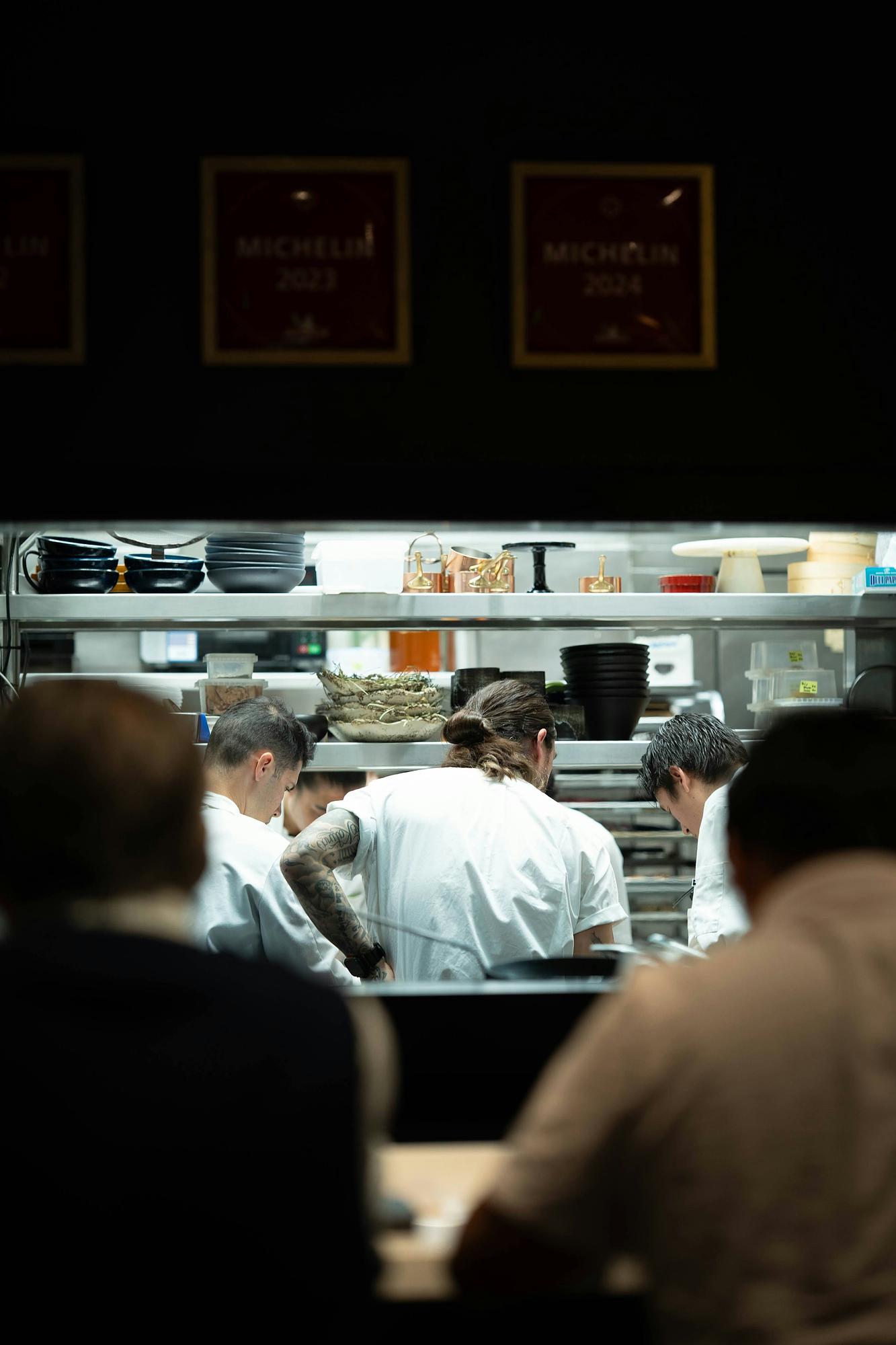
Clock-ins you can verify
Buddy punching is when one employee clocks in for another. It can start as a favor between friends, but you still pay for time nobody worked.
A GPS time clock app gives you a few ways to check a punch:
GPS location stamps record where a phone was at clock-in
Geofencing allows clock-ins only inside a set area around your site
Photo capture at a kiosk takes a picture with each punch
A geofencing time clock suits crews who start at client sites. A shared kiosk suits one location and staff who'd rather not use personal phones.
If you use location data, tell your team what you collect, when, and why. In Deputy Time and Attendance, for example, clock-ins can capture a location stamp or photo for manager review. This overview of time and attendance systems for hourly workers covers more verification options.
Scheduled vs actual hours, side by side
Put the schedule next to the punches, and the gaps show up fast. Look for three patterns.
Early clock-ins happen when someone arrives 20 minutes early and starts the clock. Late clock-outs happen when a closer chats after the last customer leaves. Unscheduled shifts happen when a cook drops a shift two hours before dinner service and someone unscheduled fills in.
A small business time clock with a variance view lets you ask about each one before payroll closes. A time and attendance system that only counts hours can't show you this. When your shifts live in Deputy Scheduling, timesheets sit beside the shifts you planned, so you can review differences before you approve.
That view can add up. "I'm proud of myself for having reduced unnecessary hours and designed shifts such that we did away with between 15-20% of extra hours," says Hazel de los Reyes, co-founder and store manager at Gumption Coffee.
Break tracking
According to DOL guidance on breaks, "Federal law does not require lunch or coffee breaks." When an employer offers short breaks, "usually lasting about 5 to 20 minutes," the DOL counts them as paid work hours.
State laws vary, and the DOL tracks state meal period requirements for adult employees, so check the rules where you operate.
Break prompts remind staff when a break is due. Attestation asks employees to confirm at clock-out that they took their breaks, which gives you a record to review.
"Deputy definitely helped us simplify compliance because we also have the attestation where somebody marks off that they have actually taken their breaks. From a liability standpoint, that puts us at ease," says Dennis Novak, head of showrooms at Proper Cloth. When you compare employee time tracking software, look for meal and rest break tracking that stores break times and attestations with each timesheet.
Overtime visibility before it happens
Under the FLSA overtime rules, "Overtime pay at a rate not less than one and one-half times the regular rate of pay is required after 40 hours of work in a workweek." That applies to covered nonexempt employees. The DOL treats each workweek as a fixed, recurring period of 168 hours.
Picture a server at 36 hours by Thursday. A coworker asks them to cover a Saturday double, which adds about 12 hours. That puts the server near 48 hours for the week, and 8 of those hours would count as overtime under federal rules.
By Saturday night, it's too late to change the hours. Time clock software with configurable alerts sends a notice as someone approaches 40 hours. That surfaces the swap for manager review while you can still split the double.
Payroll exports that skip the retyping
A time tracking app for small business should export approved hours to your payroll provider, with no retyping. Some also connect to point-of-sale (POS) tools. Check the payroll and POS integrations list for any tool you're considering.
Send only approved timesheets, so payroll receives hours a manager already checked. To keep it all in one place, Deputy Payroll supports payroll processes using approved timesheet data.
Records you can pull up later
Months from now, someone may ask who changed a timesheet. An edit history records each change, who made it, and when. Exportable reports let you pull hours for any pay period.
Retention matters too. The DOL recordkeeping fact sheet says time cards and other wage records "should be retained for two years." It also says to keep payroll records for at least three years.
Those are federal minimums for employee time tracking records. Check your state's rules too, since this article covers federal rules only. These time clock rules for hourly employees go into more detail.